
How to Protect Your Private Business Data and IP
When Using ChatGPT and Gemini
Can AI Understand Your Business?
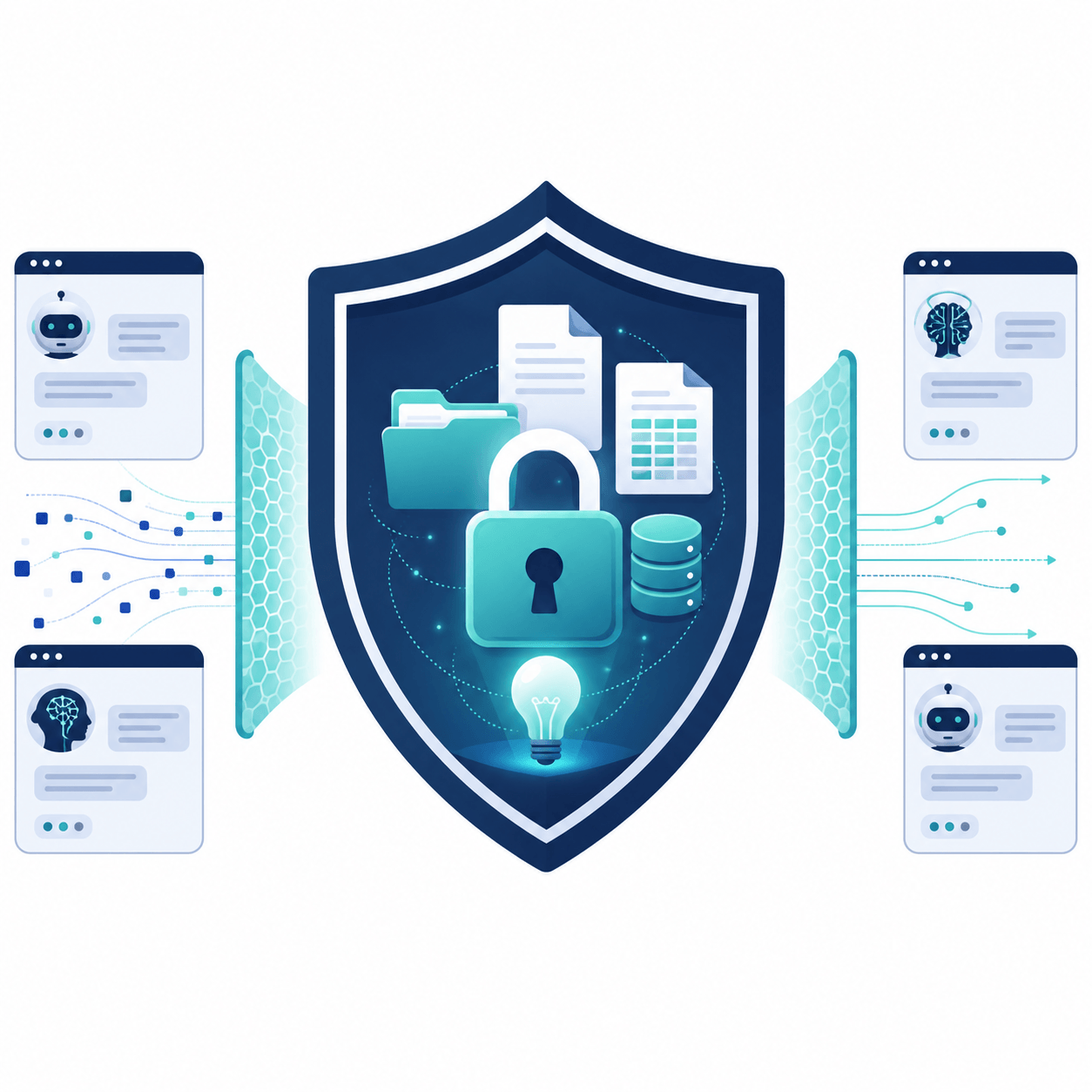
If you have ever caught yourself hesitating before pasting a client contract, a piece of proprietary code, or a draft of a new book into an AI tool, your instincts are spot on. Safeguarding your Intellectual Property (IP) and sensitive business data is one of the most practical challenges small businesses face today.
When you use the free or standard versions of public AI applications, the biggest commercial risk is that your input gets absorbed into their massive public datasets. There is a real chance that sensitive information could slip out in future answers provided to other users.
Fortunately, you do not have to give up using AI entirely to keep your private data safe. There are several ways to use tools like Gemini and ChatGPT without losing ownership or control of your business data, ranging from quick dashboard adjustments to rock-solid offline setups.
In Plain English
Data privacy in the age of AI means ensuring that whatever text, documents, or data you type into an AI chat assistant stays entirely private to you, and is never used by tech companies to train or improve their public models.
Who This Guide Is For
This guide is for Australian small-business owners, service providers, and team leaders who want to use conversational AI to save time, but need to be absolutely certain their private business files and client data remain legally secure and confidential.
Main Explanation
The Quick Fix: Toggle the Right Settings
If you are currently using the standard free or entry-paid versions of public AI tools, the default setting usually allows the platform to analyze your chats to train future models. You have to explicitly tell them to stop.
What it means: Instructing the platform to turn off its data collection tools.
Why it matters: It prevents your daily workflow data from becoming part of the public training pool.
What you can do:
✅In ChatGPT: Go to Settings, open Data Controls, and switch off the option marked "Improve the model for everyone". Alternatively, you can use the Temporary Chat feature for one-off tasks. Be aware that OpenAI still keeps this data on its backend servers for up to 30 days to check for system abuse before deletion.
✅In Google Gemini: Visit your Gemini Apps Activity dashboard and toggle the activity switch to "Turn off". You can also look for their temporary chat options. Google keeps these backend logs for up to 72 hours for safety reviews before permanent removal.
The Business-Class Shield: Enterprise Tiers
When you are handling highly sensitive operational frameworks, financials, or private client records, relying on basic account toggle switches can feel a bit thin. This is where business-grade accounts change the rules.
What it means: Upgrading to paid team or enterprise workspaces designed specifically for corporate data compliance.
Why it matters: Business plans come with strict legal guarantees that your data is never touched for training purposes.
What you can do: Upgrading to ChatGPT Team or Enterprise provides immediate protection, as OpenAI legally guarantees your inputs are never harvested. For Google users, accessing the tools through a Gemini for Google Workspace business account or via Google Cloud (Vertex AI) ensures your information remains locked inside your private cloud instance.
The API Approach: The Smart Setup
If you want complete data protection without the high cost of buying expensive monthly enterprise seats for a whole team, you can use what is known as an API connection.
What it means: An API (Application Programming Interface) is a direct link to the backend engine of the AI model, bypassing the consumer website interface.
Why it matters: Both OpenAI and Google have strict, legally binding terms for their developer platforms: any data sent through an API link is completely private by default and never used for model training, whether you spend fifty cents or fifty dollars.
What you can do: You do not need to be a developer to use this path. You can set up a free developer account with OpenAI or Google AI Studio, generate a private API key, and paste that key into a clean, private chat interface like TypingMind, LibreChat, or Big-AGI. You only pay pennies per prompt, and your data remains completely protected by commercial terms.
The Offline Option: Total Data Isolation
For businesses handling proprietary data that cannot touch an external web server under any circumstances, running a model locally on your own hardware is the ultimate solution.
What it means: Downloading open-source AI models directly onto your office computer.
Why it matters: Because your text and documents never travel across the internet, it is physically impossible for any third-party company to access your information.
What you can do: You can download free desktop applications like LM Studio or Ollama. These programs let you download and run highly capable open-source models completely offline. This approach requires a relatively modern computer with a strong graphics processor, but it offers absolute data sovereignty.
Local Business Example
Imagine a mortgage broker in Redcliffe who wants to use ChatGPT to summarize complex financial notes and draft client email updates.
If the broker pastes raw client details, income summaries, and local property addresses into a standard free ChatGPT account, that sensitive financial data could potentially be reviewed by human moderators or used to train the system.
By switching to the API approach using a private interface like TypingMind, or by upgrading to a Workspace account, the Redcliffe broker can securely process client data, knowing that the sensitive financial information remains completely isolated from the public internet.
Why This Matters for Local Businesses
Keeping your business data clear and secure is not just about avoiding tech issues—it directly impacts trust. As customers become more aware of how data is handled online, being able to state that you handle their records securely supports your local reputation.
Furthermore, making sure your internal processes are set up correctly helps ensure you do not inadvertently breach Australian privacy principles. Taking control of your data settings removes unnecessary risk and gives you the confidence to use these tools effectively.
What You Can Improve
Check the privacy settings on all active AI accounts today.
Switch off model training history in free accounts if you must use them.
Avoid pasting real names, exact addresses, or tax file numbers into public web chats.
Look into a dedicated Workspace or Team account if your staff handle customer records.
Consider using a private API chat tool to keep your running costs low while protecting your work.
How iBuildLocal Can Help
iBuildLocal helps small businesses make their online information clearer, more useful, and easier for AI tools and search engines to understand.
While you are focusing on keeping your internal data private, it is just as important to ensure that the public information about your business is completely visible to search engines. The Free AI Visibility Report is a simple starting point. It provides a plain-English review of what is clear, what may be missing from your website, and which public visibility improvements are worth looking at first to ensure your business is easily found by local customers.

About the Author
Nathan Ferguson
As an AI implementation consultant and the founder of iBuildLocal, Nathan specializes in practical AI for business. He helps local companies optimize their AI search visibility so they get recommended by modern answer engines and AI search tools.
Connect with Nathan on LinkedIn